Creators often pick a lead magnet format by habit. The better question is what the reader will do with it in the first ten minutes.
Hold one idea still: a 12-week plan to run a 10K in under 40 minutes. It can ship as a printable PDF, as a Notion template the runner duplicates and checks off session by session, or as a spreadsheet that works out their paces from their current time. The headline on the lead page barely changes. What the runner gets, and what they do with it on day one, changes a lot.
This piece compares those three containers head to head. If the idea itself is still open (checklist, swipe file, calculator or mini-course), start with the field guide to lead magnet formats and come back once it is settled.
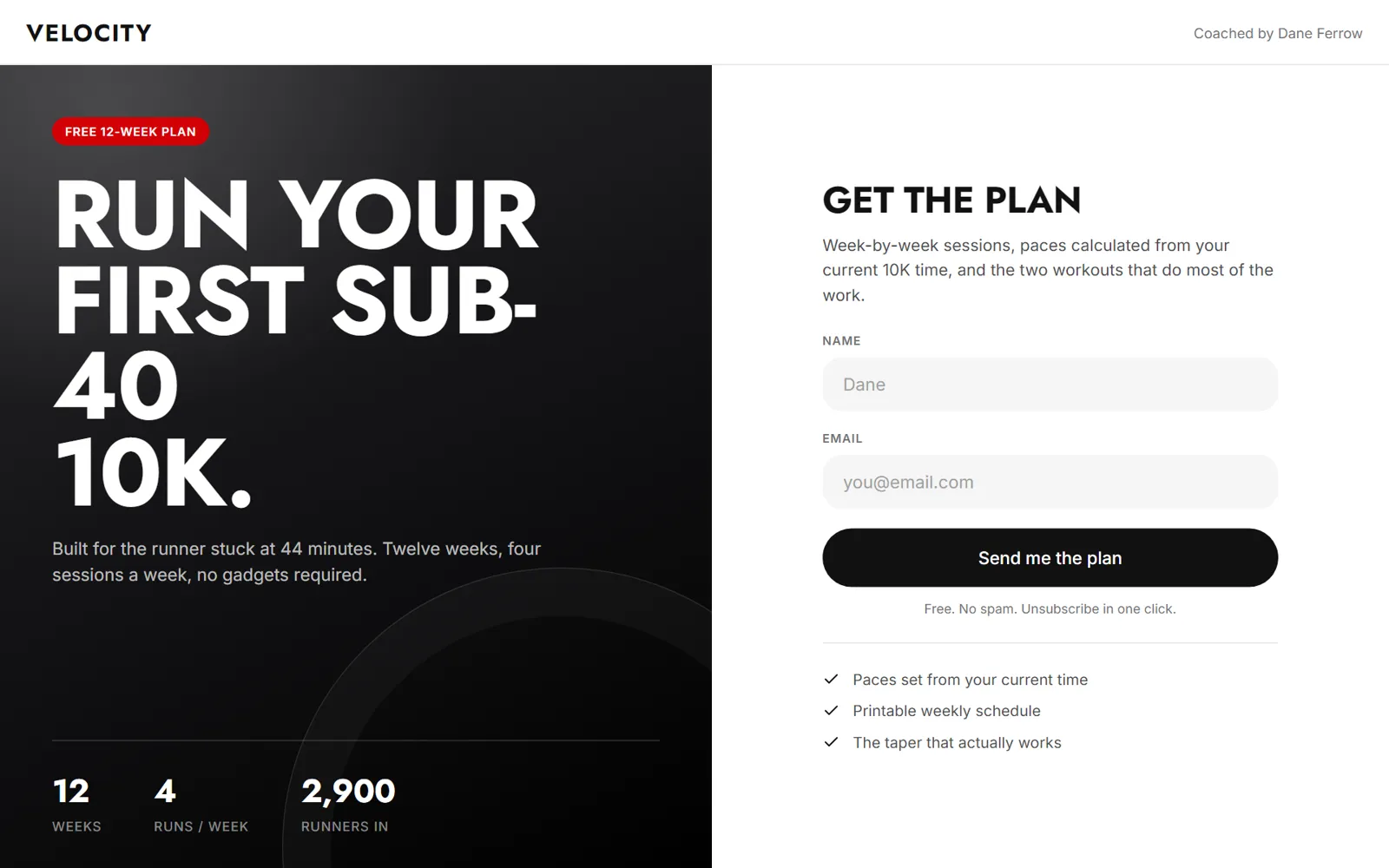
The PDF is the default for a reason: it works everywhere. It opens on any phone or laptop without an account, it prints, and it looks finished. For anything meant to live on a fridge, a gym wall or a clipboard, such as a training plan, a meal plan or a chore chart, nothing else comes close.
The weakness is what happens after the download. A PDF gets opened once, scrolled, and filed in a downloads folder. The runner sees week one, means to print it, and does not. Static also means generic: a PDF can list paces for the runner stuck at 44 minutes, but not for the one at 47.
Two habits make a PDF work harder. Put the thing they can use today on the first page, not an introduction or a bio. And put a link back to the lead page inside the file, on its own tracked short link, because PDFs get forwarded. A copy shared in a running club's group chat should send people to the sign-up, and the tracked link shows how many leads forwarded copies bring in.
If the file is uploaded to jeruo, it is stored privately and the download link lasts 14 days, so tell people to save it rather than come back for it.
Notion template
A Notion template promises a system rather than a document. For the 10K plan, that means all 48 sessions in a database with dates, a checkbox for each one, a "this week" view and a column for logged times. For someone who already runs their life in Notion, that beats a PDF easily.
The catch is everyone else. To use the template, the reader needs a Notion account and has to duplicate the page into their own workspace. For a productivity audience that takes seconds. For a general fitness audience it means signing up for a second product to see the first one, and plenty of people stop at that screen. A Notion template is a filter as much as a lead magnet: it raises the value for people who use Notion and shuts out the people who do not.
It also takes more care to build than it looks. An empty database looks broken, so ship it with a few example entries and a short "start here" block at the top. Then test the whole duplicate flow from a fresh account, on a phone, before it goes live. In jeruo a Notion template is a link-type lead magnet: the reader signs up and gets the link right away.
Spreadsheet
A spreadsheet makes the strongest promise of utility: put in your numbers, get your answer. The runner types in their current 10K time and the sheet fills in every interval pace for all 12 weeks. That is not something they could find in a search, because it is about them.
It earns the email when the audience lives in numbers: money, training loads, pricing, budgets. For audiences who never open a spreadsheet, the grid itself is a turn-off, and a PDF with paces already filled in for a few common finish times will serve them better.
The build is where the cost sits. Every formula has to survive blank cells, odd inputs and someone typing "44 mins" where you expected 44:00. Put the inputs in one colored block at the top, protect the formula cells, and add a short tab that explains what to type where. Share it so each reader gets their own copy rather than access to the master. If the audience uses a mix of spreadsheet apps, test the file in the ones they actually use, because a formula that works in one can behave differently in another.
The tradeoffs side by side
| Notion template | Spreadsheet | ||
|---|---|---|---|
| Perceived value | Looks finished; reads as content | Reads as a system to run | Reads as a tool that gives answers |
| Effort to make | Lowest: write and lay out | Medium: structure, views, sample entries | Highest: formulas, protection, testing |
| Barrier to use | None | A Notion account and a duplicate step | A spreadsheet app and some comfort with one |
| How it travels | Forwarded as a file | Shared as a page link | Shared as a link or a file |
| Updates | Fixes mean exporting a new file | Edit the source; new sign-ups get it | Easy if linked; a new file if uploaded |
| First ten minutes | Open, scroll, save for later | Duplicate, explore, log a first entry | Type in numbers, get an answer |
The updates row is worth a closer look. Every reader's copy is a snapshot: whoever downloaded the PDF or duplicated the template in March keeps the March version. What differs is how easily the next sign-up gets the fix. A linked page or sheet changes at the source while the link stays the same, whereas a PDF means exporting a new file and swapping it in wherever it lives. If the plan will change every season, a linked format saves real work.
How to decide
Three questions settle most cases.
What the reader will do with it. If the value is in following along (a schedule, a routine, a recipe), a PDF is enough. If it is in tracking progress over weeks, a Notion template earns its barrier. If it is in calculating something from the reader's own numbers, build the spreadsheet.
Where the audience already lives. A productivity creator's viewers may well have Notion open in another tab; a parenting creator's viewers mostly will not. Ask the creator which tools come up in their comments, and never make the audience adopt a new one to receive a freebie.
How often it will change. Plans, prices and rate tables that change every season favor a linked format you can edit at the source.
Run the ten-minute test yourself
Before launch, sign up from the short link on a phone, start a timer and try to get one useful thing out of the magnet. If the clock passes ten minutes, or you hit a login screen you did not expect, your audience will too.
How to test between them
When two formats still look equally good, stop debating and run them against each other. It only works if the format is the one thing that differs.
Set up two lead magnets with the same headline, the same page copy and the same thank-you message. Give each its own tracked short links, one per placement, so every visit and sign-up is counted against the right version.
Then split the traffic fairly. Placements convert differently, so the PDF in the description and the spreadsheet in the pinned comment is not a test. Alternate them by video, or swap their placements halfway through, and keep the test to one creator or to two whose audiences are genuinely alike.
Wait for a few hundred visitors on each before reading the result. Say the PDF gets 1,200 visitors and 156 sign-ups, 13%, and the spreadsheet gets 1,150 visitors and 230 sign-ups, 20%. That gap is worth acting on. A 13% against 14% split on 300 visitors each is noise, so keep it running. Both versions sit side by side in the lead magnet library with their visitors, leads and conversion rate, so the comparison does not need a spreadsheet of its own.
Once one wins, retire the other and move its placements over. Then carry the result across the roster: a format that wins for one fitness creator is the first thing to try for the next.
One caution: the sign-up rate measures the promise, not the product. A Notion template can win on sign-ups and still leave people with an empty workspace they never open again. Ask the creator what readers say in replies and comments in the weeks after, and weigh that alongside the rate.
The short version
- Pick the format from what the reader will do in the first ten minutes, not from habit.
- PDFs work everywhere but get filed and forgotten; Notion templates suit Notion users and shut out everyone else; spreadsheets promise the most utility and cost the most to build.
- Every reader's copy is a snapshot, so anything that changes often belongs behind a link you can edit at the source.
- When two formats look equally good, test the same promise on separate tracked links and wait for a few hundred visitors each.